

- Time needed
- 15 minutes
- Typical cost
- ¥1,500–4,500 per trip
- Base
- Any major airport
- Connection
- eSIM-ready phone
- Booking
- Pre-flight
- Checked
- January 2026
Top picks
Where we would book this
Airalo
Widely known eSIM marketplace with a simple app
- Best for
- Data-only eSIM for Japan (multi-day and regional plans)…
- Checked
- September 2026
Official site. Same price for you.
Where we would book this
Ubigi
Runs on NTT Docomo, the network with the widest rural coverage in Japan
- Best for
- Data eSIM for Japan on the NTT Docomo network
- Checked
- September 2026
Official site. Same price for you.
Some links are affiliate links (marked “Partner link”). Prices are ranges checked in 2026; confirm on the official site before you book.
Connectivity criteria that define your trip

Most travelers ignore the technical requirements of their own handsets until they are already in the air. You need to check if your phone is carrier-unlocked, as a locked device will reject any eSIM regardless of the plan you purchase. Sound familiar?
Data speeds and coverage in rural areas like Hakone or the Kiso Valley often dip, so prioritizing a major network provider is vital for your peace of mind. Ensure your phone supports dual-SIM standby so you can keep your home number active for verification codes.
- My phone is carrier-unlocked
- I have access to home Wi-Fi for setup
- I need 5G speeds for navigation
- I will visit rural areas
- My bank sends 2FA codes to my primary number
- I have an eSIM-compatible device
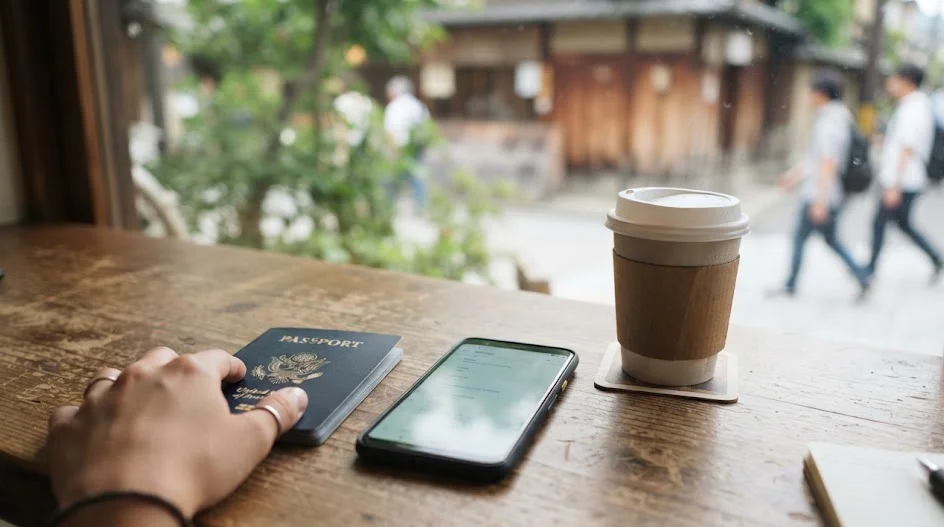
Airalo for the effortless setup
Airalo is ideal if you are not tech-savvy and want an interface that walks you through every installation step. Only have four days in the country? Their plans are modular, which helps if you only need a small amount of data for basic maps and transit lookups.
Why it suits the solo traveler
The Airalo app tracks your usage in real-time. It helps you avoid hitting a data wall while you are deep inside the Shinjuku Station labyrinth. You can buy top-ups if you underestimate your usage, provided you have a flicker of airport Wi-Fi to process the transaction.
The primary limitation
The main drawback is that Airalo plans generally do not include a local Japanese phone number. While this is fine for navigation, it can make booking some local restaurants or taxis difficult if they require a domestic contact number.
Costs typically range from ¥1,000 to ¥3,000 depending on the GB count.
Ubigi for consistent 5G performance
Ubigi is a favorite among those who prioritize raw speed and stability, especially if you are working from a cafe in Osaka or streaming high-definition travel videos. Are you a heavy user? Their connectivity often relies on major Japanese mobile networks, resulting in fewer dead zones in crowded urban centers.

Reliability in city hubs
Research indicates Ubigi maintains a strong signal even in the basement levels of massive transit hubs like Kyoto Station or Tokyo Station. Installing their profile usually takes less than five minutes while you are still sitting at your kitchen table before the flight.
Managing your budget
Expect to pay in the range of ¥1,500 to ¥4,000 for a solid 10-day allowance. It is a mid-range investment that saves you the headache of hunting for free public Wi-Fi every time you step off a train.
Holafly for unlimited peace of mind
If you rely heavily on video calls or streaming to keep family updated, Holafly offers packages with unlimited data. You never have to calculate whether you are nearing your cap, which is a massive relief during a 14-day trip.
When to choose unlimited
This plan is best for those who use Google Maps constantly and share high-resolution photos throughout the day. It removes the stress of tracking daily usage, though the upfront price is slightly higher than data-capped alternatives.
The reality of usage
While the data is unlimited, note that tethering your phone to a laptop might be restricted depending on the specific plan chosen. Prices for two weeks range from ¥4,000 to ¥6,000, so check the official site for current promotions.

Side by side comparison
← Swipe to see the full table →
Plan your trip: the tools we use
Our pick: Ubigi, because it offers the most reliable balance of speed and coverage for the price.
Partner link.
Alternative solutions for connectivity

If your phone does not support an eSIM, a pocket Wi-Fi device is the industry standard for rental options. These units allow you to connect multiple devices, which is great for couples sharing one connection, but you must remember to charge the unit every single night.
Another option is buying a physical travel SIM card at the airport upon arrival, though this often leads to long queues. We recommend avoiding this if you want to clear customs and jump straight onto the train to your hotel.
The pre-flight configuration process
The biggest mistake is turning off your primary SIM while still at home, as this cuts you off from essential bank and security verification codes. Keep your main SIM active until you are physically boarding your flight to ensure you receive any last-minute notifications.
That was the mistake.
Step 1: Install at home
Download the eSIM profile using your home Wi-Fi long before you head to the airport.
Step 2: Configure settings
Label the eSIM as “Travel” in your phone settings to distinguish it from your primary line.
Step 3: The APN check
Check the instructions for manual APN settings if your provider requires them, as this is the silent killer of connectivity.
Step 4: Switch at landing
Toggle your primary SIM to “Off” or “Roaming Off” only after the plane has landed and you are ready to connect.
Users have reported that failing to update APN settings can lead to full signal bars with no internet access. Ensure you have the manual configuration instructions saved as an offline document or screenshot before departure.

How we selected these providers
We assessed these providers based on their ease of installation, customer support accessibility, and actual network reliability in major cities like Osaka and Tokyo. Prices were checked as of early 2026, though you should always verify the latest rates on the official sites before finalizing your purchase.
We could not verify the exact 5G performance in the most remote areas of Tohoku or Hokkaido, as these regions have varied infrastructure. These recommendations represent the best performers for standard tourist routes that involve high-traffic areas and major train lines.
Why these options suit your travel style
Airalo is perfect for short-term visitors who want a simple interface that works out of the box without complex configuration. Ubigi is the choice for anyone who uses their phone for professional tasks or heavy media consumption and cannot afford a drop in speed.
Holafly is the ultimate choice for travelers who prefer to pay a fixed fee and never think about data consumption again. If your trip involves long train rides where you plan to watch movies or catch up on emails, the extra cost for unlimited data is worth the peace of mind.

Estimating your real-world data consumption
Most travelers overestimate their needs, fearing a blackout, while others underestimate the drain of background processes. If you are mainly using your phone for navigation and basic translation, you can survive on very little, but video calls and social media will burn through your allowance within days.
Baseline data usage in Japan is heavily skewed toward map-heavy navigation. Relying on Google Maps for transit routing in cities like Tokyo or Osaka can consume roughly 100MB to 300MB per day, especially if you are frequently checking train schedules or looking up walking directions to your hotel.
- Light users (maps and messaging only): 3GB to 5GB per week.
- Moderate users (social media and photos): 10GB per week.
- Heavy users (video streaming and tethering): 20GB+ per week or unlimited.
Keep in mind that many modern smartphones automatically download high-resolution updates or sync cloud photos when they detect a new Wi-Fi or data connection. This is the silent killer of your data bucket, often occurring the moment you switch your eSIM on at the airport arrival terminal.
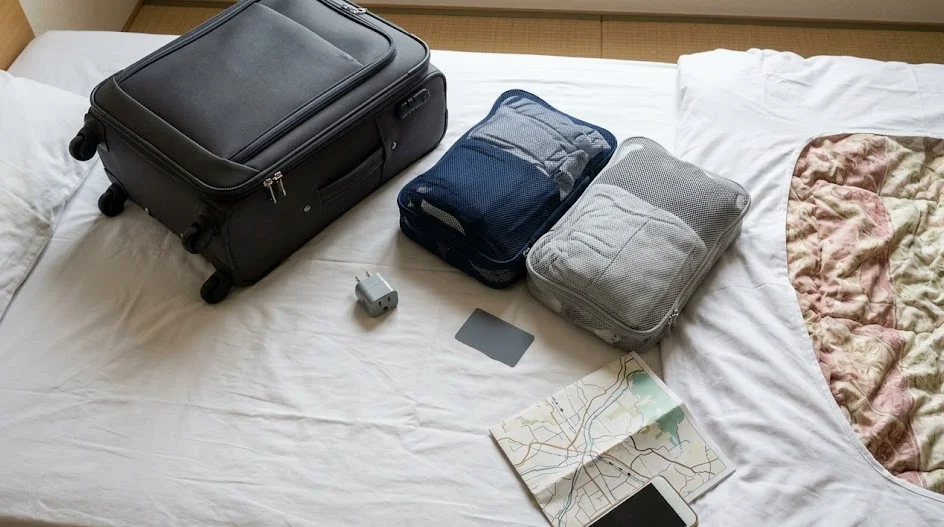
Adjust your settings before you leave the tarmac to prevent these background syncs. Go into your cellular settings and disable “Wi-Fi Assist” and background app refresh for high-data applications.
This ensures your paid gigabytes are reserved for essential navigation and booking apps rather than background system updates.
If you find yourself running low halfway through your trip, check the official site of your provider for top-up options. Prices for additional data packages vary, typically ranging from ¥800 to ¥2,500 depending on the provider.
Plan to keep a bit of your travel budget aside just in case you find yourself relying on your phone more than expected. Do not be afraid to lean on the abundance of public Wi-Fi in convenience stores like Lawson or FamilyMart if your data plan hits a wall.
These spots provide a quick, free lifeline for checking emails or downloading maps for offline use without tapping into your cellular allowance.
Managing professional and logistical needs
While an eSIM covers your navigation needs, you will occasionally encounter situations where a local voice number becomes a necessity. Many traditional restaurants in Japan, especially those found on booking platforms or boutique reservation sites, require a local number for confirmation calls.

Voice capabilities are notably absent from most standard travel eSIMs, which are purely data-driven. If you plan to make dinner reservations that require manual booking or if you are using platforms like Klook or GetYourGuide to organize tours, look into whether your chosen service provides a virtual number.
You can also stick to using your home number for SMS-based verifications if your roaming policy allows it. Alternatively, prioritize online booking systems that do not require a domestic contact number.
When a local number is essential
- Booking high-end omakase or kaiseki restaurants.
- Coordinating luggage forwarding services like Yamato Transport.
- Contacting boutique hotel hosts who do not use email.
If you anticipate needing to make calls, consider supplementing your eSIM with a dedicated VoIP service like Skype or Google Voice. These allow you to call local landlines at a fraction of the cost, provided you have a stable data connection.

Avoid using your home carrier’s roaming voice plan unless you have verified the costs, as they often impose high per-minute charges that can exceed the cost of an entire trip’s worth of data.
For those who rely on rideshare apps like Uber or GO, ensure your app is registered and updated with your payment information before you land. While the apps function perfectly with your data eSIM, they often require a phone number for the driver to contact you.
Always carry a backup contact method, such as your hotel’s front desk number, written down on a piece of paper. If your data fails and you need to reach a local business, the staff at your hotel can often act as a bridge for these communication gaps.
Check the official site of your accommodation to see if they offer an email support line for guest assistance, as this is often more reliable than a phone call for non-urgent inquiries.
FAQ
QWill my home phone number still work?
Yes, your home number remains active for incoming calls and texts if your phone is set to dual-SIM mode. Just be careful to disable data roaming for your primary line to avoid massive fees from your home carrier.
QWhat if the internet does not work when I land?
Check if your travel eSIM is enabled in your cellular settings and ensure “Data Roaming” is toggled “On” for that specific plan. Most eSIM providers require roaming to be enabled to connect to local Japanese networks.
QDo I need an app for the eSIM to work?
Most providers use an app to manage the activation, but the eSIM itself lives in your phone’s cellular settings. Once installed, you rarely need to open the app again unless you need to purchase a data top-up.
QCan I share my data with my partner?
Most providers allow you to turn on a personal hotspot, turning your phone into a Wi-Fi device for others. Note that this drains your battery significantly, so carry a portable power bank during your long days out.
QIs 5G available everywhere in Japan?
Major cities have excellent 5G coverage, but you will occasionally drop to 4G in older buildings or rural mountain passes. This is perfectly sufficient for maps, translation apps, and basic web browsing.
Deciding on a digital connection method can feel overwhelming when you are balancing flight times and hotel check-ins. Yes, the selection sounds like a lot. Focus on the one provider that matches your data usage, set it up at home, and reclaim the time you would have spent hovering over airport Wi-Fi signals.
Keep planning
- ① Install and test your eSIM before take-offAiralo and Ubigi eSIMs activate on arrival, but the install itself needs Wi-Fi. Do it at home and confirm the profile shows up in your phone settings.
- ② Save your first hotel’s address in JapaneseTaxi drivers and station staff read Japanese addresses far faster than romanised ones. Copy it from the booking confirmation into your notes app.
- ③ Set aside cash for day oneMany small restaurants, temples and rural buses are still cash-only. Airport ATMs at 7-Eleven and the post office accept most foreign cards.
Skip these and your first hour in Japan goes on finding Wi-Fi at the station instead of getting to your hotel.
🔍 How to sanity-check any price you read online
Blogs (including this one) go out of date. The official page always wins over a screenshot from two years ago.