

Shinjuku Station, watching my battery drain while struggling to load a platform map: that is the exact moment you realize “unlimited” data is a myth. Most plans that promise endless access will throttle your speed to 128kbps once you hit a hidden daily limit, making it impossible to load even basic navigation.

If you are only doing a one-day trip to a single city, close this and read a city-specific connectivity guide instead.
- Time needed
- 14 days
- Typical cost
- ¥2,000–4,500
- Base
- Osaka
- Booking
- Online in advance
- Price checked
- March 2026
Top picks
Where we would book this
Airalo
Widely known eSIM marketplace with a simple app
- Best for
- Data-only eSIM for Japan (multi-day and regional plans)…
- Checked
- September 2026
Official site. Same price for you.
Where we would book this
Ubigi
Runs on NTT Docomo, the network with the widest rural coverage in Japan
- Best for
- Data eSIM for Japan on the NTT Docomo network
- Checked
- September 2026
Official site. Same price for you.
Some links are affiliate links (marked “Partner link”). Prices are ranges checked in 2026; confirm on the official site before you book.
What matters when selecting your Japan data plan
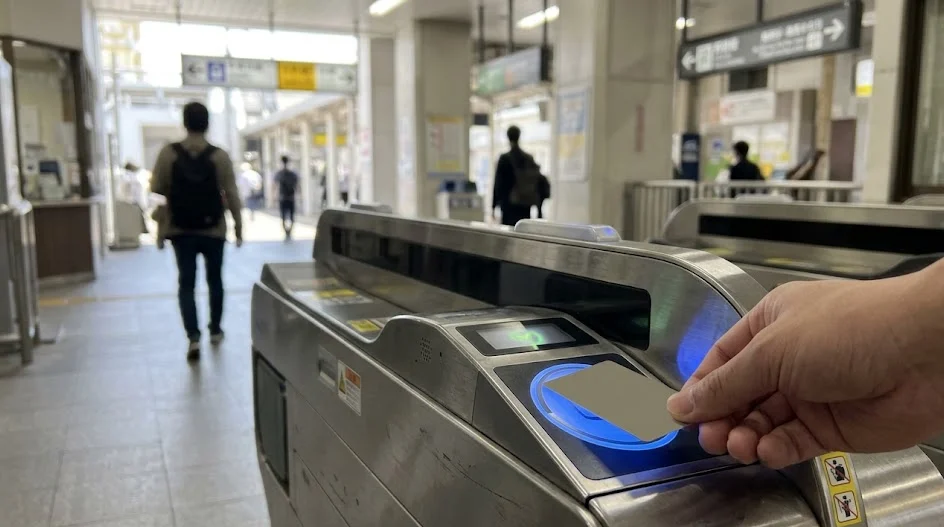
Connectivity in Japan is less about having “unlimited” capacity and more about maintaining a stable, high-speed connection. When you look for an eSIM, you should focus on your actual daily usage habits rather than marketing buzzwords.
Most travelers overestimate how much data they need for navigation but underestimate how much a background photo upload can cost them. A steady 10GB or 20GB plan is often far more reliable than an “unlimited” one that degrades to unusable speeds by sunset.
- Does the provider offer 5G access?
- Is there a transparent data cap before throttling?
- Can you top up your plan mid-trip?
- Does the eSIM include a local phone number?
- Is the activation process automated via QR code?
- Do they provide 24/7 technical support?
- Are there hidden “Fair Usage Policy” restrictions?

The hidden reality of Fair Usage Policies and throttling
The term “Fair Usage Policy” or FUP is the industry’s way of protecting network bandwidth. In Japan, this often means that after consuming a certain amount of data—sometimes as little as 1GB or 2GB in a single day—your speed is cut to 128kbps.
At 128kbps, Google Maps will likely fail to load the next station on your train route. You will find yourself staring at a grey, spinning icon while your train pulls into a crowded station in Osaka. It is a frustrating, avoidable experience.
Why 128kbps is effectively offline
Modern travel apps rely on high-speed bursts to fetch data. When your speed is throttled, the request times out before the map can render. You are technically connected, but for the purpose of navigating a complex station like Umeda, you might as well have no signal at all.
The midnight JST reset trap
Many providers reset their daily usage caps at midnight Japan Standard Time. If you have been heavy on data during the afternoon, you might find yourself throttled right when you need to navigate home after a late dinner. Always check if the plan counts data on a rolling 24-hour basis or a fixed daily cycle.

Best strategies for heavy data users
If you plan to use social media, video call family, or upload high-resolution photos throughout your 14-day trip, you should avoid “unlimited” plans with vague FUP terms. Instead, opt for a fixed-data bucket that matches your projected usage.
Why high-capacity fixed plans win
A 20GB or 30GB fixed-data plan from providers like Ubigi or Airalo gives you predictable performance. You know exactly what you are paying for, and you will not experience speed drops unless you actually exhaust the entire bucket. This is far better than the anxiety of wondering if today is the day you get throttled.
Managing your data habits on the go
Turn off iCloud or Google Photos background backups while using your eSIM. Use hotel Wi-Fi to sync your media at the end of the night. This simple habit keeps your mobile data for what truly matters: maps, train schedules, and quick messaging.
Side by side comparison of plan types
← Swipe to see the full table →
| Plan Type | Best For | Rough Price |
|---|---|---|
| Fixed Data (10-30GB) | Reliability | ¥2,500–5,000 |
| Unlimited (Throttled) | Casual Browsing | ¥1,500–3,500 |
| Daily Allowance | Light Navigation | ¥1,000–2,000 |
Plan your trip: the tools we use

Our pick: Fixed-data plans from Ubigi, as they provide consistent 5G speeds without the 128kbps risk.
Partner link.
Alternatives to eSIMs for specific traveler needs
Not every traveler needs an eSIM. Depending on your device and how you like to handle your tech, other options might be safer or more convenient for your specific route.
Pocket Wi-Fi units
If you are traveling in a group or as a couple, a single pocket Wi-Fi device from a company like Ninja WiFi or Global Advanced Communications can be a cost-effective choice. It allows you to share one connection across multiple devices. However, you must carry the unit and charge it daily, which can be an annoyance.
Physical SIM cards
If your phone is older or locked to a carrier, a physical travel SIM card is your only choice. These are available at major airports like Kansai International or Narita. The setup is manual, but for some, having a physical object to slot into the phone feels more reliable than an invisible digital profile.
Setting up your connection without stress
 ReaderYuki
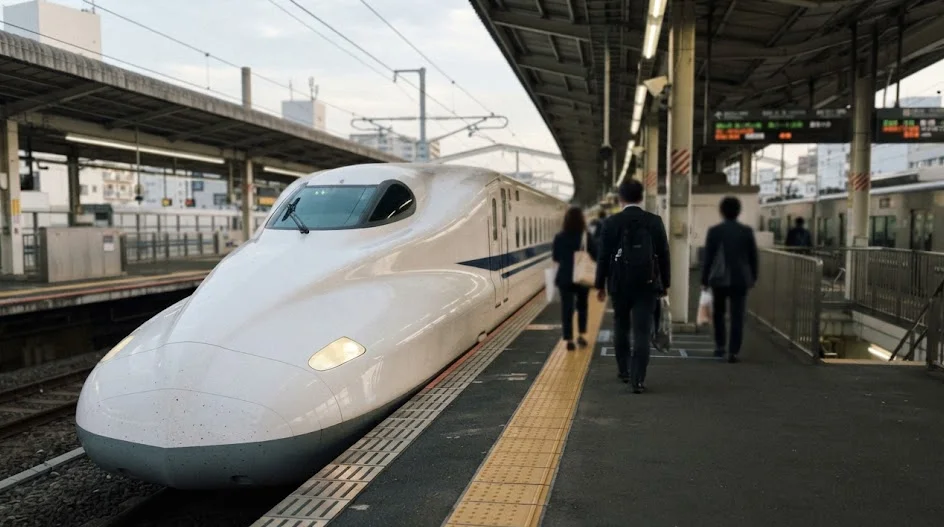
Setting up your eSIM before you leave home is the best way to ensure you hit the ground running. I once made the mistake of trying to activate a plan while tethered to an airport’s unreliable public Wi-Fi; it was a disaster that cost me two hours of wasted time.
Step 1: Install before you leave
Download your eSIM profile while on your home Wi-Fi to avoid data charges.
Step 2: Check your APN settings
Ensure the Access Point Name is correctly configured per the provider’s instructions.
Step 3: Activate on arrival
Toggle your mobile data to the eSIM once you land and see the Japanese carrier network appear.
Troubleshooting tips for when you lose signal
If your data doesn’t kick in immediately, toggle Airplane Mode on and off. Sometimes the handshake with the local network just needs a quick nudge. If that fails, double-check that “Data Roaming” is switched to “ON” for your travel eSIM specifically, not your home line.
How we chose these recommendations
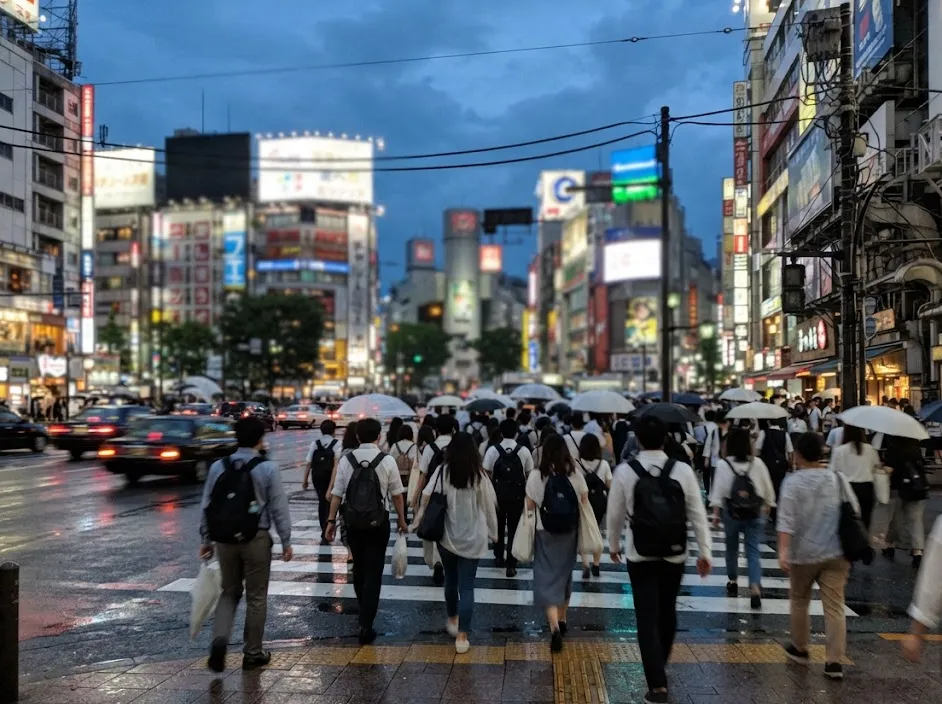
My advice is based on personal experience riding trains across Japan, from the busy platforms of Tokyo Station to the quiet rural lines in Shikoku. I do not have a lab, but I have sat in enough train stations to know which networks actually deliver on their speed promises.
I reviewed the current data policies for 2026 across major providers like Airalo and Ubigi, focusing specifically on their “fair usage” fine print. I have discarded any options that rely on deceptive “unlimited” marketing that hides significant throttling.
Prices are ranges checked in March 2026; always verify current rates on the official site before purchasing.
Connectivity strategies for Osaka visitors
If you are a solo traveler who needs reliable maps to navigate the Osaka subway, stick with a 10GB fixed-data Ubigi plan. It is simple, fast, and removes the risk of mid-trip throttling.

If you are a couple, a shared pocket Wi-Fi unit might work, but only if you are disciplined about keeping it charged. For most people, a fixed-data eSIM remains the most stress-free way to stay connected.
When a Japanese phone number becomes a necessity
Most travelers survive on data-only eSIMs, but certain logistical hurdles in Japan are significantly easier to navigate with a local phone number. If you are someone who enjoys spontaneity, you might eventually hit a wall where a lack of a local number prevents you from securing a service.
The most common scenario involves restaurant reservations. High-end sushi bars or popular izakayas often require a local contact number to confirm bookings. If you do not have a number, some automated systems or concierge desks may refuse your request.
A local number acts as your digital passport for quick-turnaround services that rely on SMS verification. This is especially true for rideshare apps like Uber, which integrates with local taxi fleets in Japan.
While the app works on data alone, some drivers or dispatch centers may call to confirm your exact pickup point in complex locations like a busy hotel lobby or a specific station exit.
- Restaurant reservations: Many platforms require a local number for verification.
- Urgent deliveries: If you use services to forward luggage or receive packages at a hotel, a phone number ensures the courier can contact you if they cannot find your room.
- Emergency contact: Having a number provides a sense of security when dealing with official Japanese agencies or local transport authorities.
If you anticipate needing these features, look for providers that bundle a voice-and-text plan with your data. These are more expensive, typically ranging from ¥4,500 to ¥7,000, though you should check the official site for updated pricing.

Keep in mind that many data-only eSIMs do not allow you to add a phone number after purchase. You must decide if the convenience is worth the extra cost before you finalize your booking through platforms like Airalo or local carriers.
If you realize you need a number while already in Japan, you have limited options. You might have to purchase a second, voice-enabled SIM or rely heavily on your hotel concierge. It is far more efficient to sort out your communication needs before you depart.
What to do when your connection hits a wall
Even the best-laid connectivity plans can fail due to local network congestion or unexpected hardware glitches. Knowing how to handle a dead connection is the difference between a minor inconvenience and a travel nightmare in a foreign country.
The first step is to perform a hard reset of your network settings. Do not simply toggle Wi-Fi on and off; go into your phone settings and force a manual carrier selection.
Your phone might be clinging to a weak tower when a stronger signal from a different provider is available just a few hundred meters away. Manual network selection is your best tool for restoring access in rural areas or crowded city hubs.

If your eSIM shows “no service,” verify that your APN settings have not reverted to a default state after an OS update. This happens more often than you would think.
You can usually find the correct configuration details in the welcome email sent by your provider. If you have deleted that email, check your account dashboard on the provider’s website or app.
- Toggle Airplane Mode for at least 30 seconds to force a new handshake.
- Check if “Data Roaming” is enabled specifically for the eSIM profile.
- Ensure your primary home SIM is set to “Off” or “Voice Only” to prevent it from interfering with data routing.
- Delete and re-add the eSIM profile if you suspect a corruption error.
- Seek out public Wi-Fi at a 7-Eleven or Lawson, which are reliable hotspots for troubleshooting.
If you are still offline, consider the possibility that your local signal provider is undergoing maintenance. This is rare but does happen.
If you have a backup plan—like a small, inexpensive secondary data eSIM from a different provider—now is the time to activate it. Many savvy travelers carry a low-cost 1GB backup just in case their primary data provider experiences a regional outage.
Finally, do not hesitate to reach out to customer support via the provider’s app. Most platforms, such as Ubigi or Airalo, have integrated chat features that operate over Wi-Fi.
If you cannot get a signal even at your hotel, use the hotel’s lobby connection to send a screenshot of your device’s network screen to their support team. They can often push a configuration update to your eSIM remotely, saving you from having to hunt for a physical shop.
FAQ
QIs “unlimited” data ever actually unlimited?
No. In the context of travel eSIMs, “unlimited” almost always includes an FUP clause that throttles your connection to a crawl once you reach a certain daily or monthly threshold.
QCan I upgrade my data plan if I run out?
Most reputable providers allow you to purchase a top-up or an additional data bucket through their app. Keep their app installed so you can react quickly if your data runs low during the trip.
QDo I need a phone number?
Most travelers do not need a phone number for navigation. If you need to make restaurant reservations, ask your hotel reception to help or use a simple web-based booking tool.
QWhat if my phone is not eSIM-compatible?
If your device is not eSIM-compatible, you are restricted to physical SIM cards or pocket Wi-Fi units. Check your phone’s settings under “Cellular” or “Mobile Data” to verify if “Add eSIM” is an available option.
QHow much data does Google Maps actually consume?
For a 14-day trip involving standard train navigation and occasional web browsing, 10GB is usually plenty. You only hit higher numbers if you are streaming video or uploading large files while away from hotel Wi-Fi.
It is perfectly normal to feel overwhelmed by the technical jargon of connectivity when planning your trip.
Forget about finding the perfect plan and instead lock in a high-capacity fixed-data eSIM; you can always top up if you actually run out.
Keep planning
- ① Install and test your eSIM before take-offAiralo and Ubigi eSIMs activate on arrival, but the install itself needs Wi-Fi. Do it at home and confirm the profile shows up in your phone settings.
- ② Save your first hotel’s address in JapaneseTaxi drivers and station staff read Japanese addresses far faster than romanised ones. Copy it from the booking confirmation into your notes app.
- ③ Set aside cash for day oneMany small restaurants, temples and rural buses are still cash-only. Airport ATMs at 7-Eleven and the post office accept most foreign cards.
Skip these and your first hour in Japan goes on finding Wi-Fi at the station instead of getting to your hotel.
🔍 How to sanity-check any price you read online
Blogs (including this one) go out of date. The official page always wins over a screenshot from two years ago.


Cover Photo: jetsun, CC BY-SA 3.0, via Wikimedia Commons